Upload an image
Choose one JPG, PNG or WebP image up to 12 MB. A clear view of one character works best.
Turn a character illustration, photo or avatar screenshot into a Minecraft skin. Upload one image, then preview and refine the result.
Start creating ↗Upload one reference image to get started.
Private by default. Unseen sides are inferred. Check the result and your device before using it in game.
Your generated skin will appear here. You can rotate it, refine pixels, and export the same texture.
The generator uses your image as a visual reference for a Minecraft skin. Colors, clothing and recognizable details are adapted to the small pixel canvas; details outside the image are inferred.
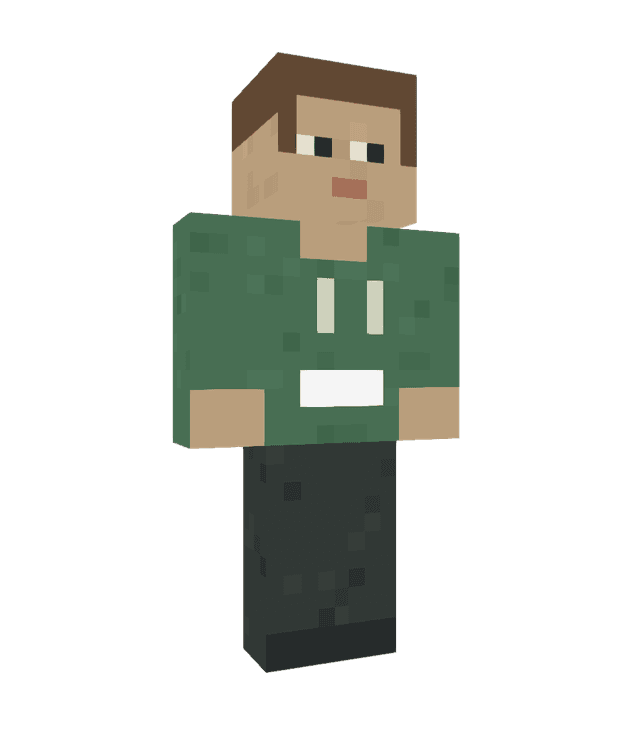 ORIGINAL SAMPLE CHARACTER
For example, an illustration of a character in a green jacket and brown boots gives the generator a clear outfit and color palette to work from. A front-facing, full-body image helps show more of the design.
The character shown is an illustrative sample, not a verified result of this example.Choose one JPG, PNG or WebP image up to 12 MB. A clear view of one character works best.
Review the credit quote and confirm to start generation. Your image and project are private by default.
Inspect the result in 3D, edit the pixels if needed, and download the skin PNG.
You can upload a photo, illustration or avatar screenshot in JPG, PNG or WebP format, up to 12 MB. Use an image you have the right to use.
The skin has a small pixel canvas and fixed Minecraft proportions. Fine details and large accessories may be simplified, and unseen sides are inferred.
No. Upload one image to get a quote; a written description is not required on this page.
Yes. You can inspect the result, open it in the pixel editor and download the skin as a PNG.