THE CHARACTER WORKSHOP / EST. IN PIXELSAI Minecraft
Skin Generator.
Create a Minecraft skin from an image or a few words. Preview your character in 3D, refine the pixels, and download your skin.
YOUR IDEA → YOUR PIXELS → YOUR WORLD
✳ THE CHARACTER STUDIO / 01
SAMPLE / MOSS↗ DRAG TO EXPLORE
IDEAS WELCOME✳PIXELS INCLUDED✳MADE FOR YOUR WORLD
THE WORKBENCHBring your idea
to the workbench.
Upload an image or describe your character, then review the quote when you are ready.
YOUR NEXT CHARACTER✦
From idea to inventory.
Your generated skin will appear here. You can rotate it, refine pixels, and export the same texture.
01 · Create02 · Refine03 · Equip
TWO WAYS TO CREATEStart with an image
or an idea.
Bring a reference or describe a character of your own.
01 / 02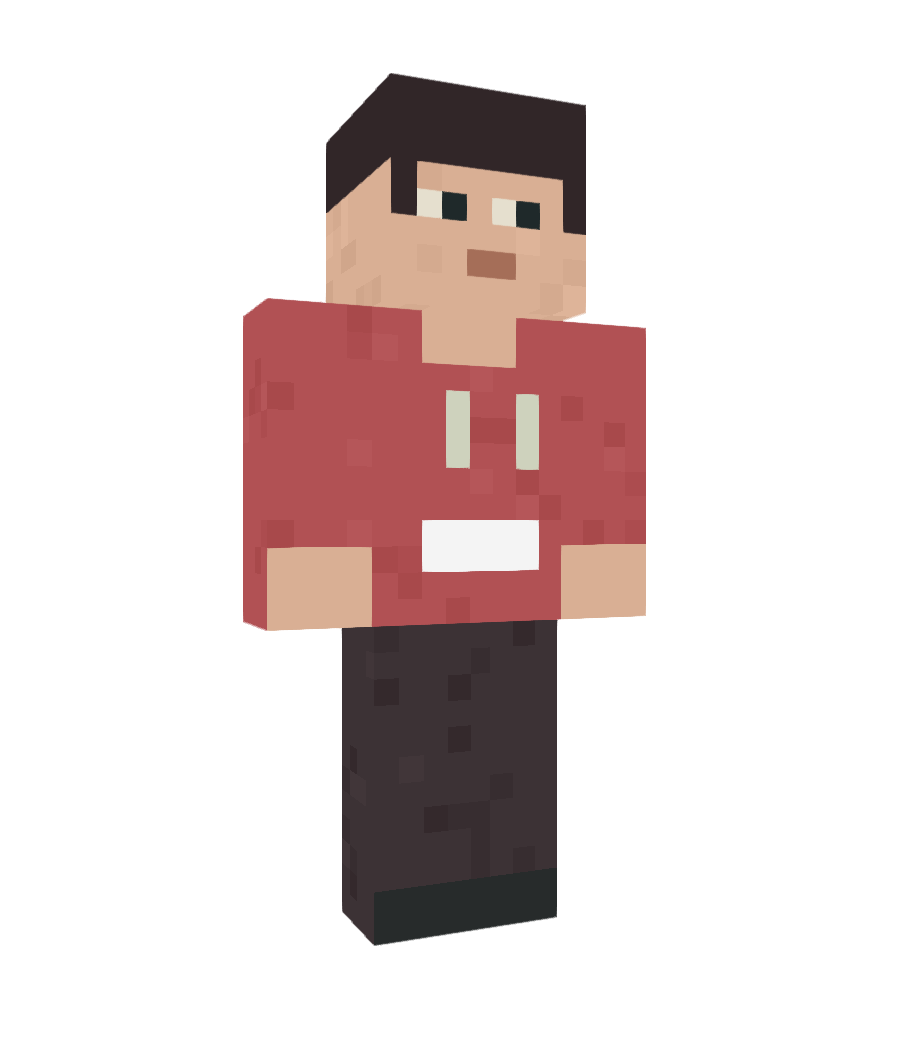 MCSKINGEN / ORIGINAL SAMPLE
 IMAGE → SKINTurn an image into a skin.
Upload a photo, illustration or avatar screenshot to create a Minecraft skin inspired by your image.
Explore image to skin ↗ 02 / 02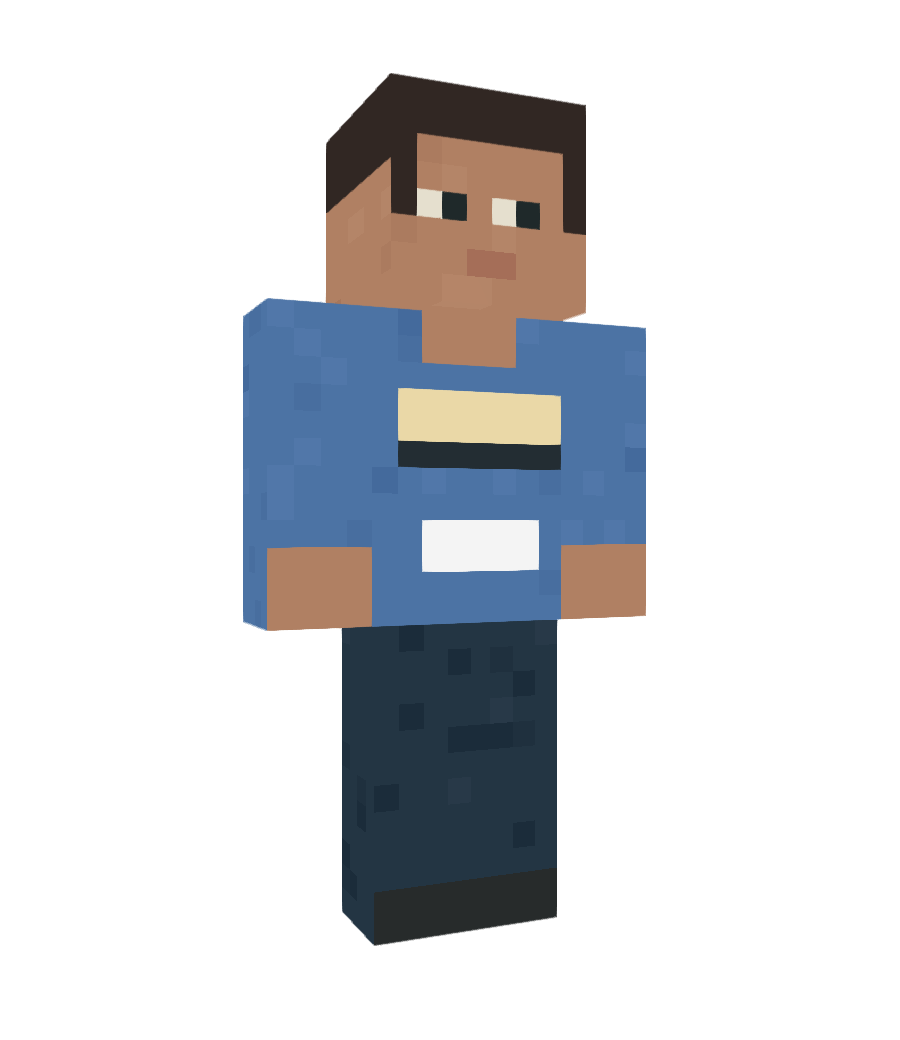 MCSKINGEN / ORIGINAL SAMPLE
 TEXT → SKINImagine it. Make it.
Describe the outfit, colors and personality you have in mind. Start with an idea and make a character all your own.
Explore text to skin ↗ THE CREATIVE ROUTE
From an idea
to your inventory.
01Start with an idea
Upload a reference or describe the character you want to create.
02Generate & refine
Review your quote, generate your skin and make it yours in the editor.
03Take it into Minecraft
Download your PNG and follow the instructions for your edition and device.
GOOD TO KNOWQuestions?
We've got you.
New to skins? Start here, or explore our guides for more.
What is a Minecraft skin?+
A skin is the texture that gives your Minecraft character its appearance. You can download your finished skin as a PNG and import it into the game.
Can I use my skin in Java and Bedrock?+
Yes. The generated skin is a PNG texture. Choose the correct Classic or Slim arm model and follow the import instructions for your device.
Can I edit a skin after generating it?+
Yes. Open your result in the skin editor to paint individual pixels and refine the character before downloading.
Are my photos and creations public?+
Generation projects are private by default. You choose whether to submit a creation for public review.
Is AI generation free?+
Pixel editing and local drafts are free. AI generation uses credits; you can review the quote before confirming a generation.