Describe your character
Write the outfit, colors and features you want in the description box. No image is required.
Describe the character you imagine and generate a Minecraft skin from your words. No reference image is needed.
Start creating ↗Describe the character you want to create.
Private by default. Unseen sides are inferred. Check the result and your device before using it in game.
Your generated skin will appear here. You can rotate it, refine pixels, and export the same texture.
A text description gives the generator a starting point for your character. Mention the clothing, colors, hair and details that matter most, then refine the resulting pixels in the editor.
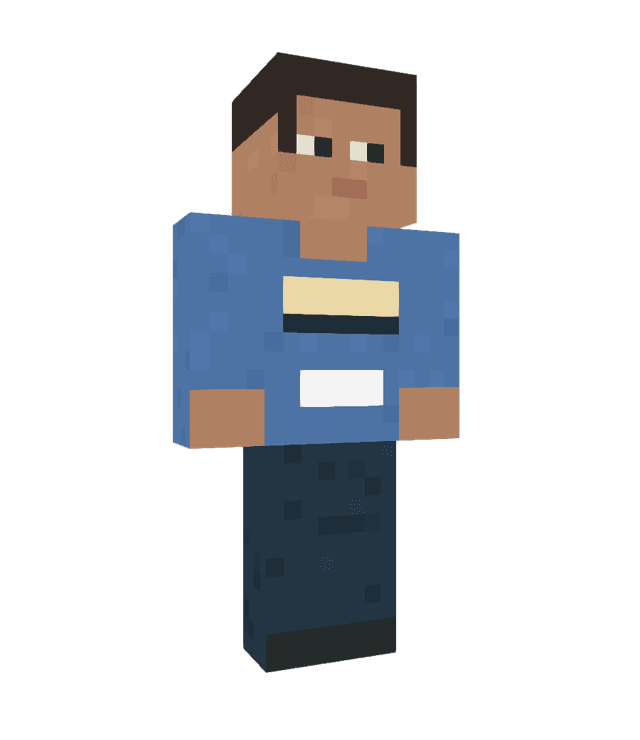 ORIGINAL SAMPLE CHARACTER
An explorer with an olive-green jacket, cream shirt, brown boots and a red scarf. Give them short dark hair and a practical adventure outfit.
The character shown is an illustrative sample, not a verified result of this example.Write the outfit, colors and features you want in the description box. No image is required.
Review the credit quote and confirm to start generation. Your project is private by default.
Inspect the result in 3D, edit the pixels if needed, and download the skin PNG.
Start with the character’s outfit and main colors, then add hair, accessories or a theme. Specific details give the generator more direction.
No. This tool creates a skin from your written description without a reference image.
Not necessarily. Minecraft skins use a small pixel canvas, so the generator may simplify details. You can refine the result in the editor.
Yes. You can inspect the result, open it in the pixel editor and download the skin as a PNG.