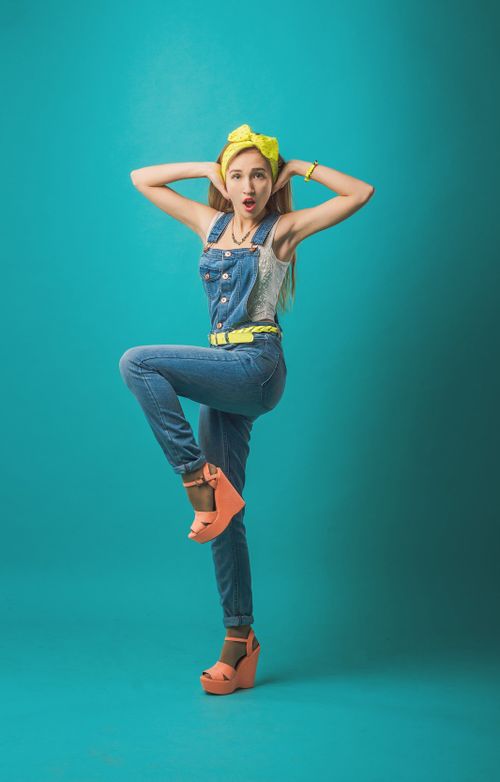
 01 / Original
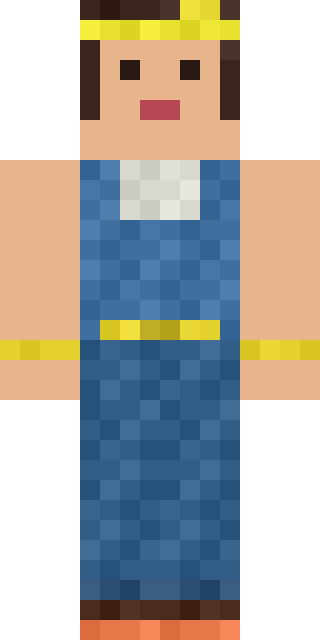 02 / Skin
Image to skin / 01
↓Sunny overalls

Vision-generated skin · Photo on Pexels ↗
 MCSkinGen
Turn a character illustration, photo or avatar screenshot into a Minecraft skin. Upload one image, then preview and refine the result.
Start creating ↗Upload one reference image to get started.
The AI uses your image for visible details and infers the sides and back. Review the 3D preview and refine any details before downloading.
Private by default. Unseen sides are inferred. Check the result and your device before using it in game.
Your generated skin will appear here. You can rotate it, refine pixels, and export the same texture.
The generator uses your image as a visual reference for a Minecraft skin. Colors, clothing and recognizable details are adapted to the small pixel canvas; details outside the image are inferred.
These skins were generated from the photos shown alongside them.
01 / Original02 / SkinVision-generated skin · Photo on Pexels ↗
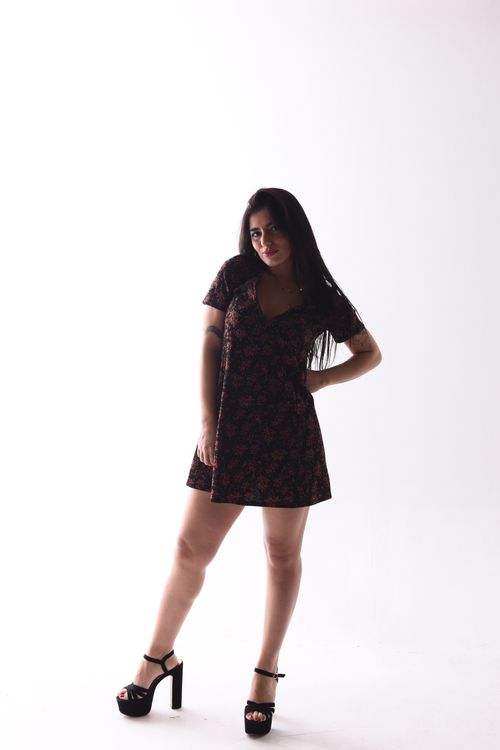 01 / Original
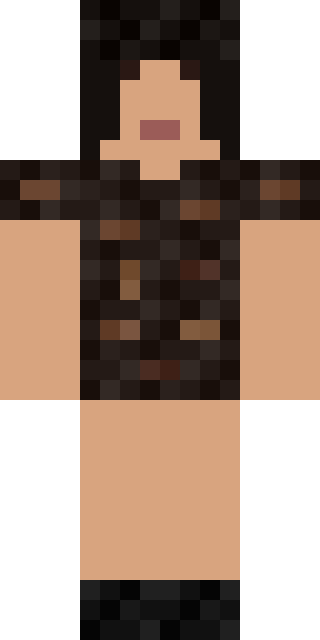 02 / Skin
Vision-generated skin · Photo on Pexels ↗
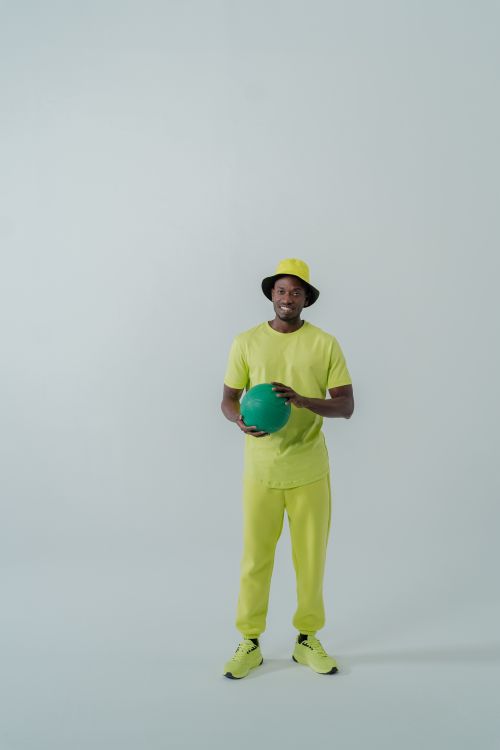 01 / Original
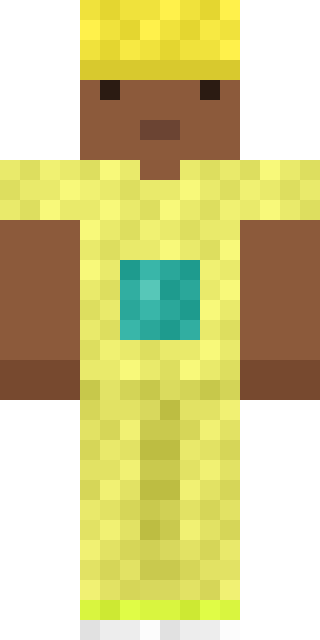 02 / Skin
Vision-generated skin · Photo on Pexels ↗
Choose one JPG, PNG or WebP image up to 12 MB. A clear view of one character works best.
Review the credit quote and confirm to start generation. Your image and project are private by default.
Inspect the result in 3D, edit the pixels if needed, and download the skin PNG.
Image to Minecraft skin uses one photo, illustration or avatar screenshot as a visual reference. Choose a clear view of one character, preferably with the head, clothes and main colors visible. A front-facing, full-body image gives more useful information than a cropped or crowded scene. JPG, PNG and WebP files up to 12 MB are accepted. Upload only an image you own or have permission to use; do not submit someone else’s private photo without permission.
The generator adapts visible features to the limited Minecraft skin texture. It has to infer the back and other unseen surfaces; fine details, hair and accessories may be simplified, and a result is not guaranteed to be an exact likeness. Review the output on all sides. If a logo, face or color matters, use the pixel editor to correct it rather than assuming the model reproduced it perfectly.
These streamlined tools create a Classic-arm skin. Review the quoted credit cost and confirm only when you are ready to generate. A completed job provides a skin PNG and a preview; generation may take time and the result can differ between runs. Review the result before saving or using it. A failed request and an uncertain upstream result may need different handling, so follow the status shown instead of repeatedly starting new paid jobs.
Open the resulting skin in the editor to refine pixels, check its file and download the PNG. Your generation project is private by default; publication is a separate action. A valid file or browser preview does not guarantee that a particular game or device imports it correctly, so test the final skin in your intended client. The examples on this page are individual results, not a promise that every request will look the same.
An individual generated result; your result may differ.
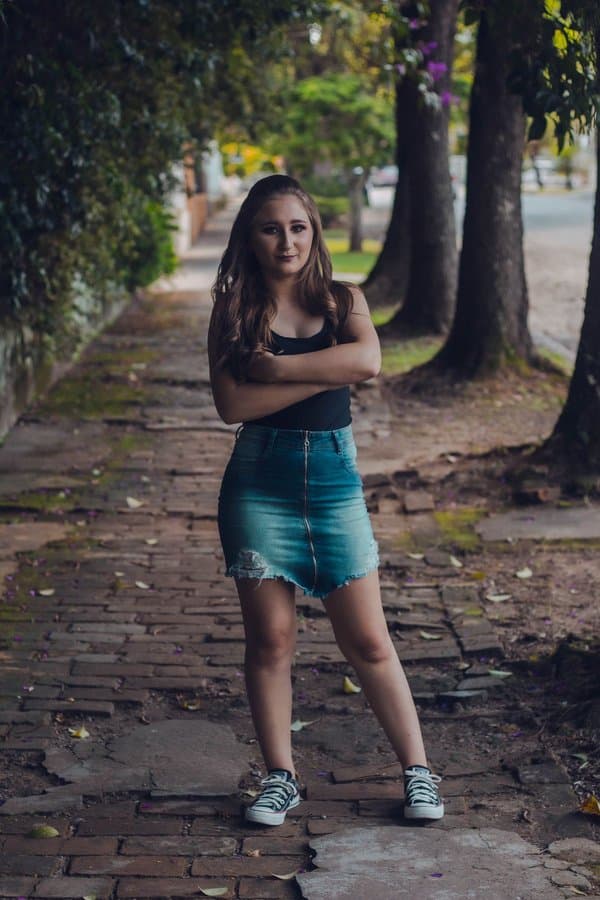
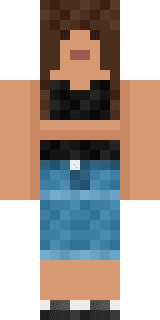
Yes. Upload a clear photo as your reference. Clothing and visible features guide the skin; unseen sides are inferred.
You can upload a photo, illustration or avatar screenshot in JPG, PNG or WebP format, up to 12 MB. Use an image you have the right to use.
The skin has a small pixel canvas and fixed Minecraft proportions. Fine details and large accessories may be simplified, and unseen sides are inferred.
No. Upload one image to get a quote; a written description is not required on this page.
Yes. You can inspect the result, open it in the pixel editor and download the skin as a PNG.


