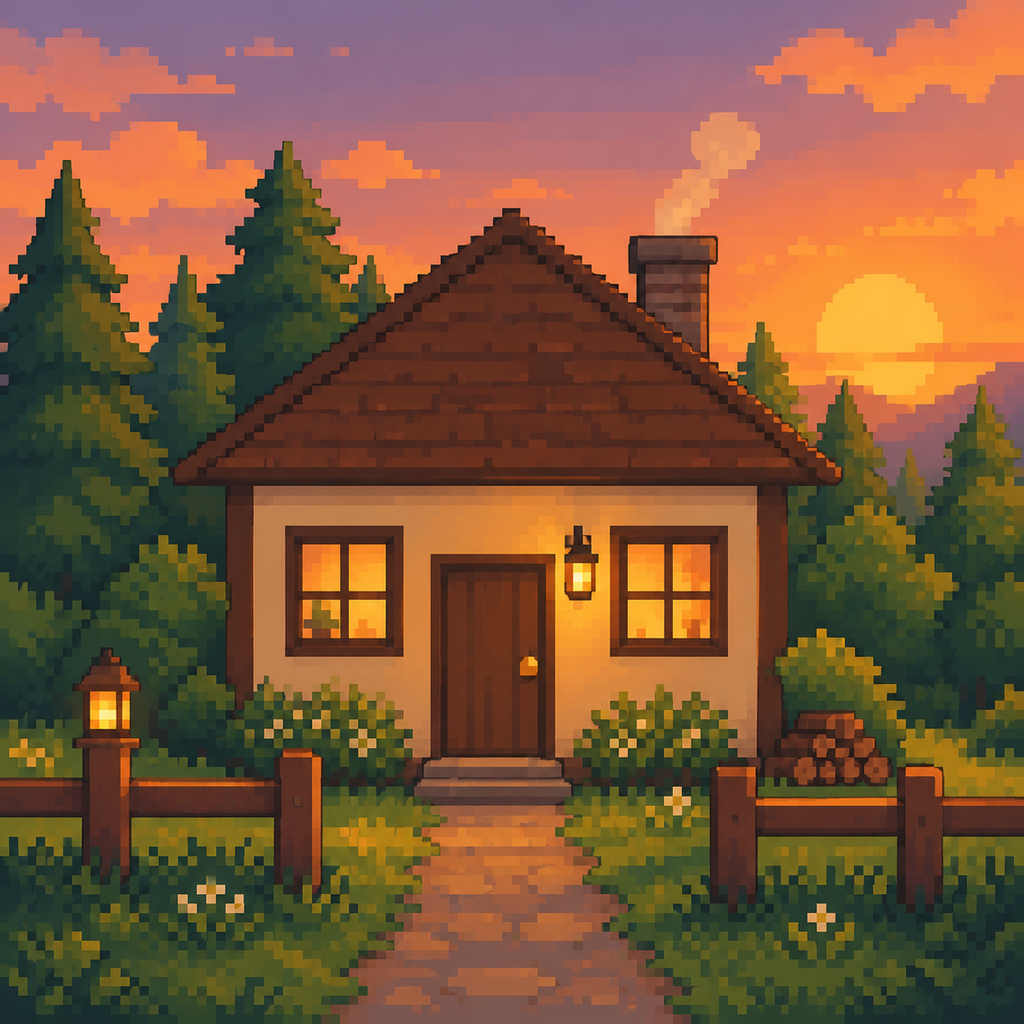
Start
Upload a reference image.
 MCSkinGen
Create a pixel-art image from a reference image.
Open the tool ↗Create a pixel-art image from a reference image.
Private by default. The result is an image, not a skin or a block blueprint.
Your generated pixel-art image will appear here for download.
The image generator uses your reference to create ordinary pixel art. The result is an image rather than a wearable Minecraft skin texture.
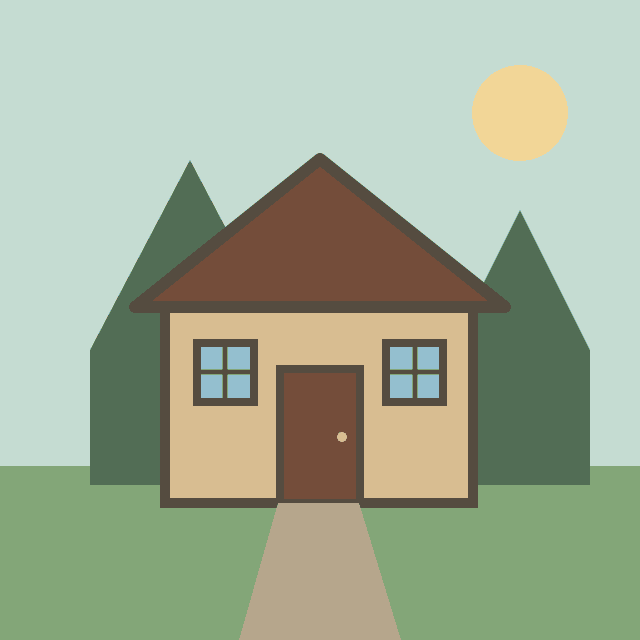
Use an illustration of a woodland cabin as a visual reference for a pixel-art picture.
Upload a reference image.
Review the credit quote and confirm generation.
Inspect and download the generated image.
The Minecraft pixel art generator creates an ordinary pixel-art image from a reference image. It can reinterpret a character, building or object in a blocky visual style, but its output is a PNG picture rather than a Minecraft skin, block-by-block building plan, schematic or world file. It does not calculate a block palette or material list. Use the image as visual inspiration and plan any in-game construction separately.
Upload one JPG, PNG or WebP image up to 12 MB that you own or are allowed to use. A clear subject, simple composition and visible main colors give the generator useful direction. A crowded reference can make small details harder to interpret. You may add a short optional description of the desired mood or style; an image is still required on this page.
Select the reference, optionally describe the style, then request a quote. Review the shown credit cost before confirming generation. The job may take time and repeated requests can differ. Once the result appears, inspect the overall silhouette, color palette and small details before downloading. The generator may simplify or reinterpret the source; it does not guarantee an exact copy or a particular number of pixels per block.
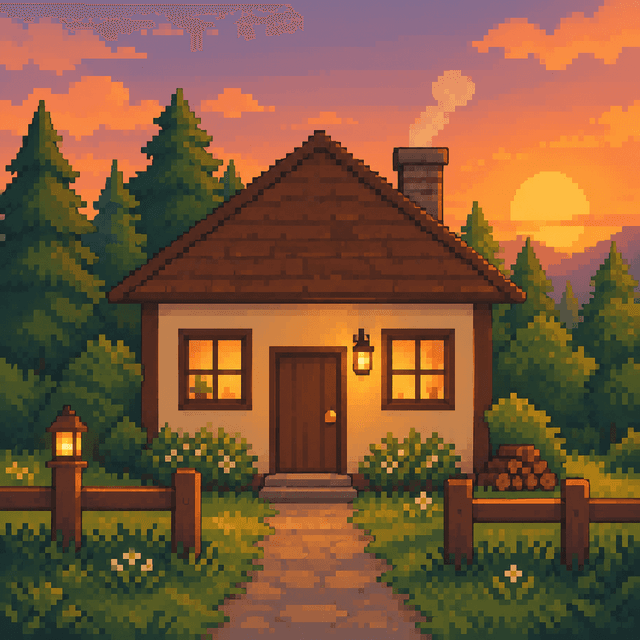
The example below pairs an original cottage illustration with an image generated through the same image provider used by this tool. The output is a 1024×1024 PNG and illustrates one result, not a guarantee for every prompt or reference. Compare the roof, windows and surrounding colors with the input: some features can change. Download the picture for reference, and use a separate planning workflow if you intend to build it in Minecraft.
The selected image is sent for generation. Projects are private by default; publishing is a separate action. Use only materials you are entitled to upload and share. The displayed quote precedes confirmation. A failed job and an uncertain upstream result are different states, so follow the status shown rather than repeatedly starting new paid jobs. If a download or preview is unavailable, check the task status before trying again.
If the result is too busy, try a clearer image with one subject or use the optional description to prioritize a few features. Submitting another generation is a new request and may cost credits. The PNG can be viewed or shared as an image, but it cannot be imported as a skin or automatically placed as Minecraft blocks. A game-specific construction or import must be checked in the target game and device.
An original illustration and one actual generated PNG. Results can vary.
No. This tool produces ordinary pixel art, not a Minecraft skin atlas.
Yes. Review the quote before confirming.